The secure link between your AI and your Text data.
Connect Claude, ChatGPT, or any MCP-compatible assistant to your tickets and chats. Let it pull, summarize, and report without you opening the app.
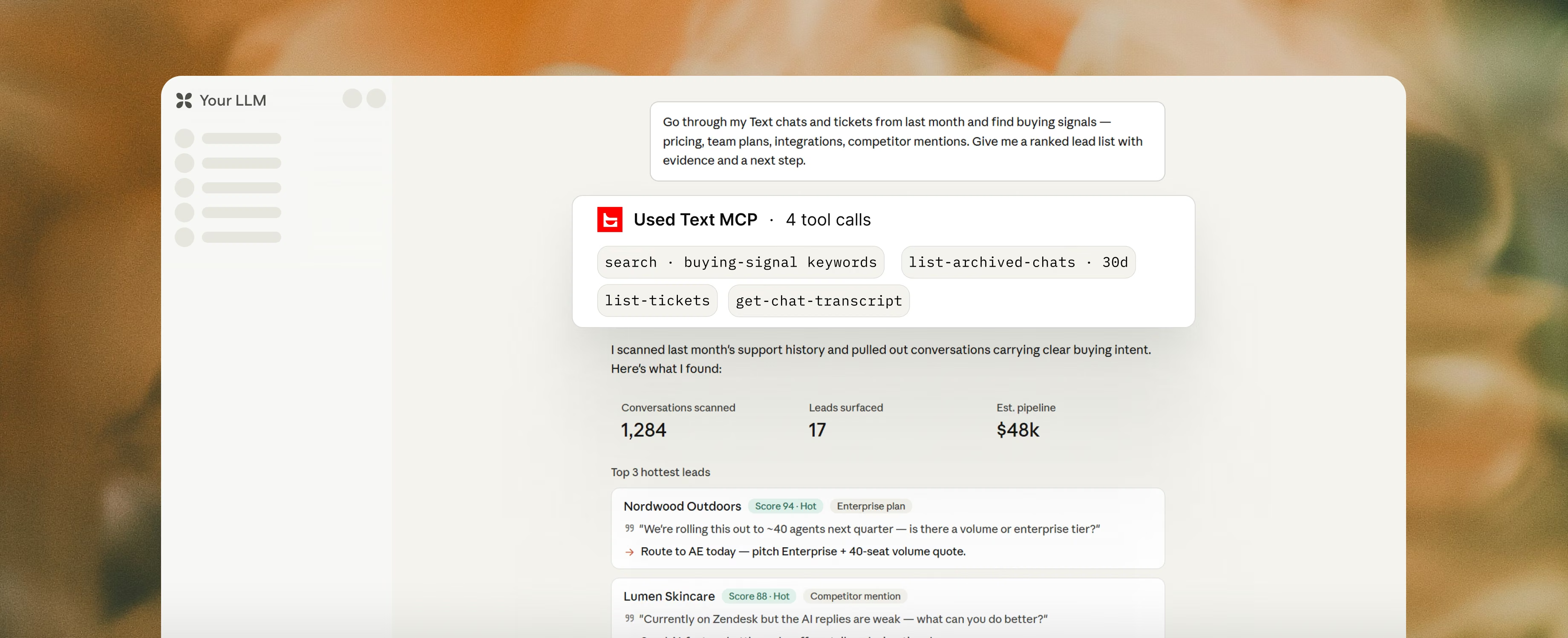
30,000+ teams already turning conversations into revenue








































Your AI, now fluent in Text.
Same AI, same permissions, just more reach.
It sees your tickets and chats now too.
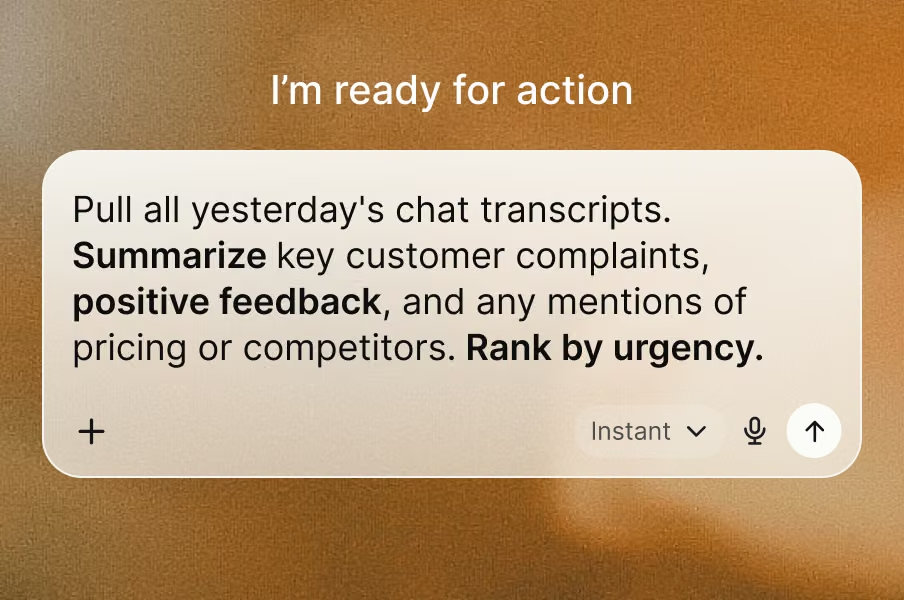
No context switching
Your AI works inside the window you're already in. No tab-hopping, no copy-paste.
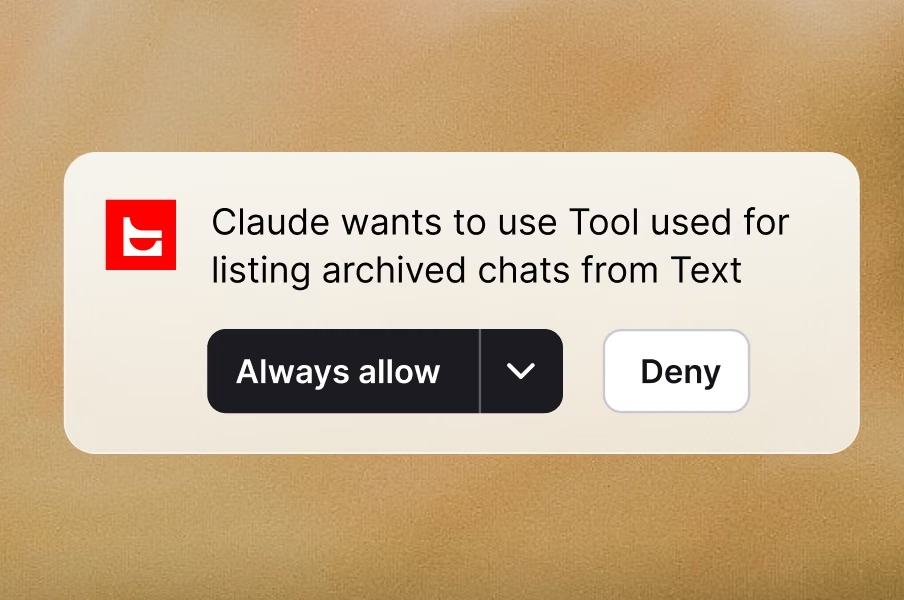
Permission-aware
Every request runs under your existing Text access. The AI sees what you see.
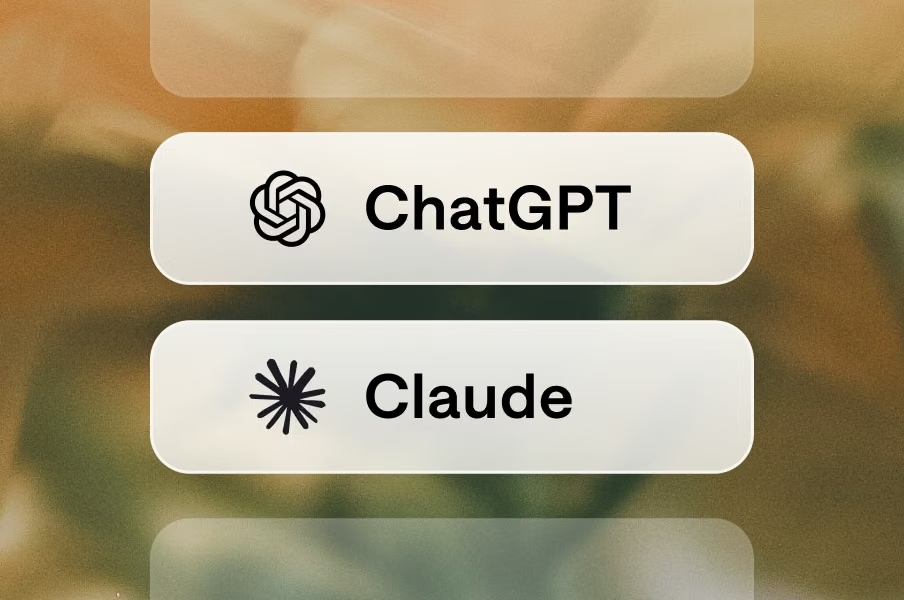
Bring your own AI
Claude, ChatGPT, the one your team already pays for. Same endpoint for all.
Open standard
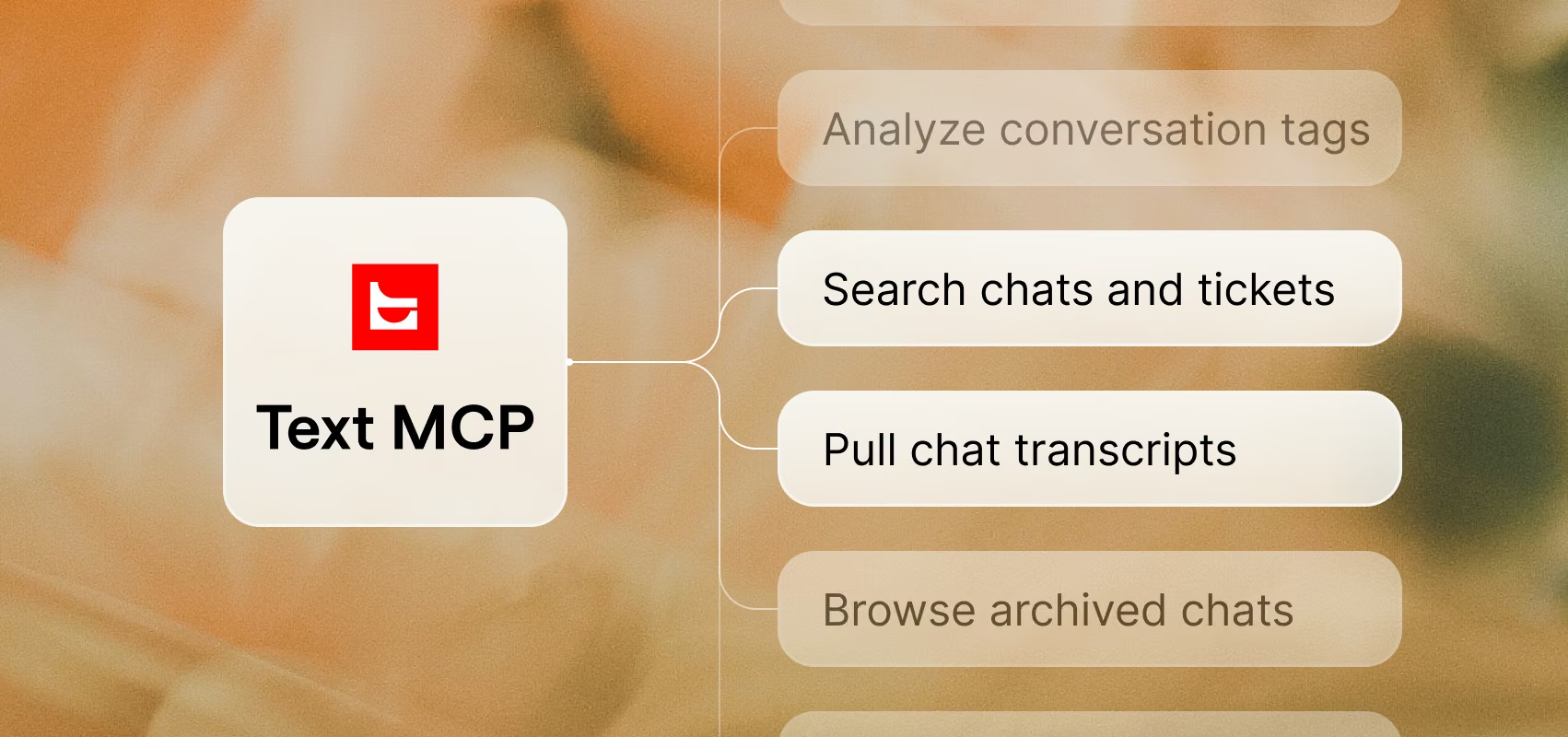
Built on Model Context Protocol. No proprietary format, no connector to build from scratch.
No context switching
Your AI works inside the window you're already in. No tab-hopping, no copy-paste.
Permission-aware
Every request runs under your existing Text access. The AI sees what you see.
Bring your own AI
Claude, ChatGPT, the one your team already pays for. Same endpoint for all.
Open standard
Built on Model Context Protocol. No proprietary format, no connector to build from scratch.

I was able to extract everything by myself from the system to analyze the data. Such a powerful connection. The data was absolute gold.
Your customer data, inside ChatGPT.
Every chat and ticket you have, readable by ChatGPT. Ask what your best agents do differently, why Tuesday spikes, or which answer closes the most sales.
Try it now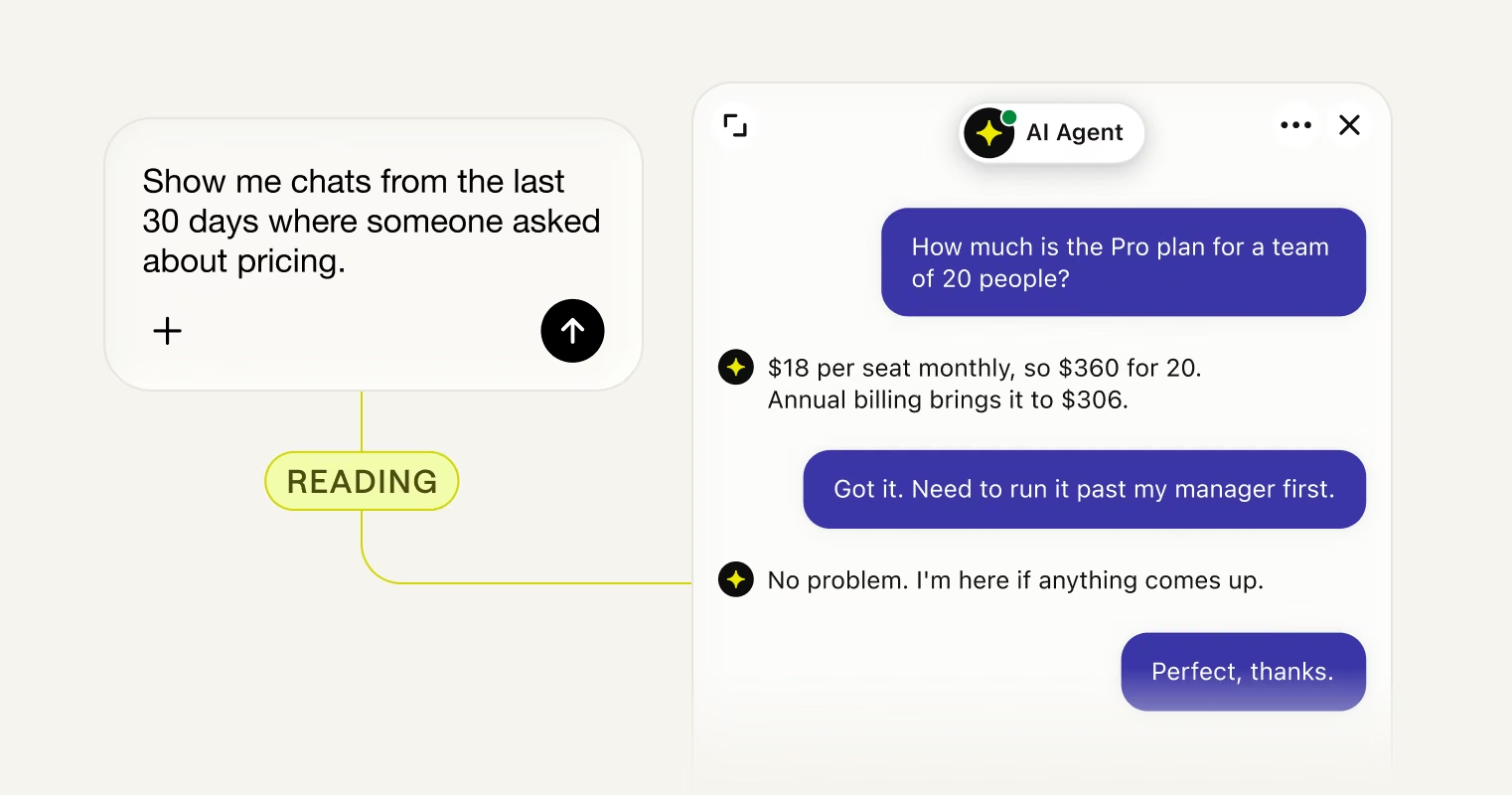
Find the buyers already in your chats
Every conversation that stalled at the quote, still open to you.
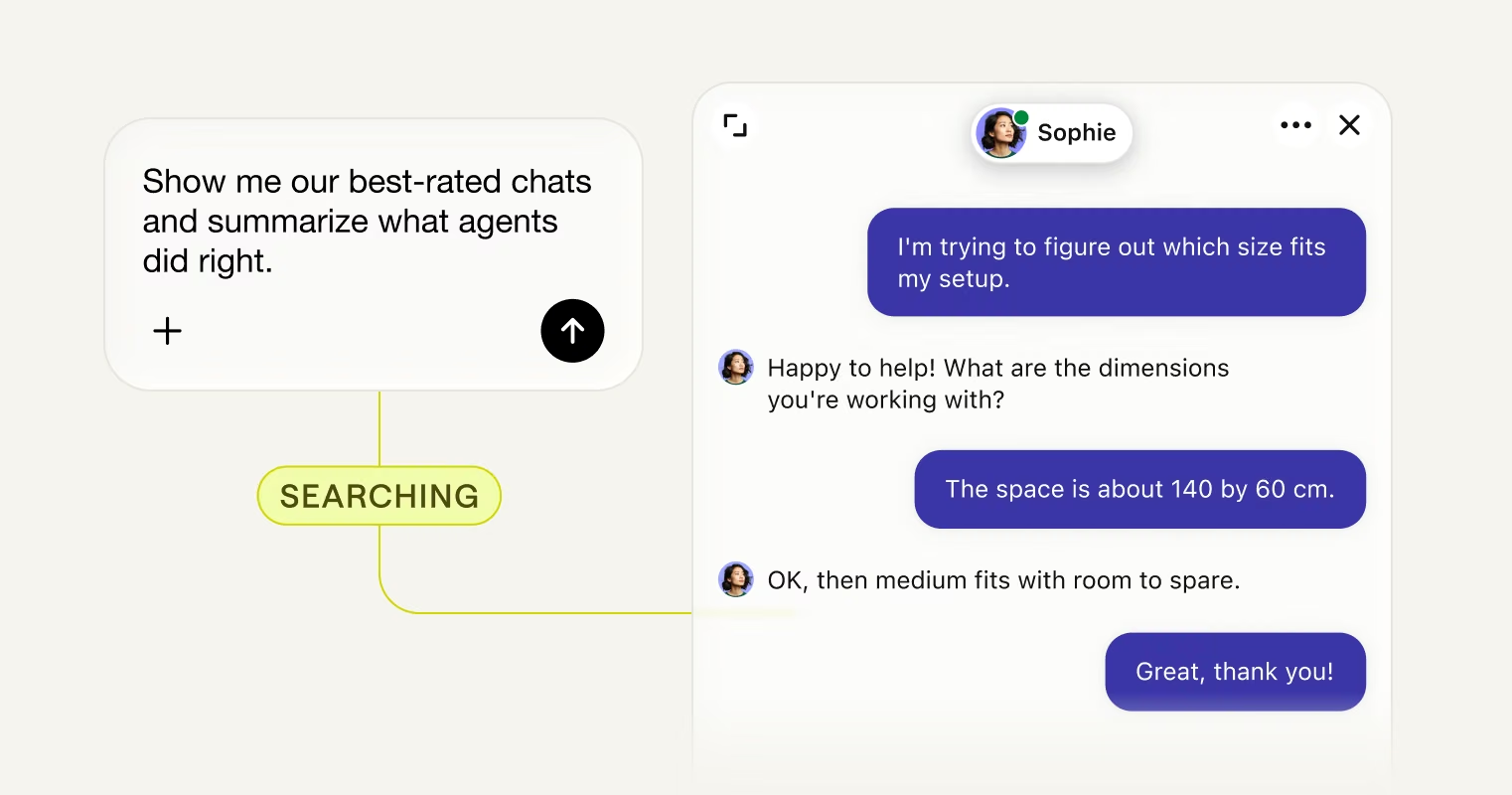
See how your team is really doing
What your best agents do, pulled from how they actually handled it.
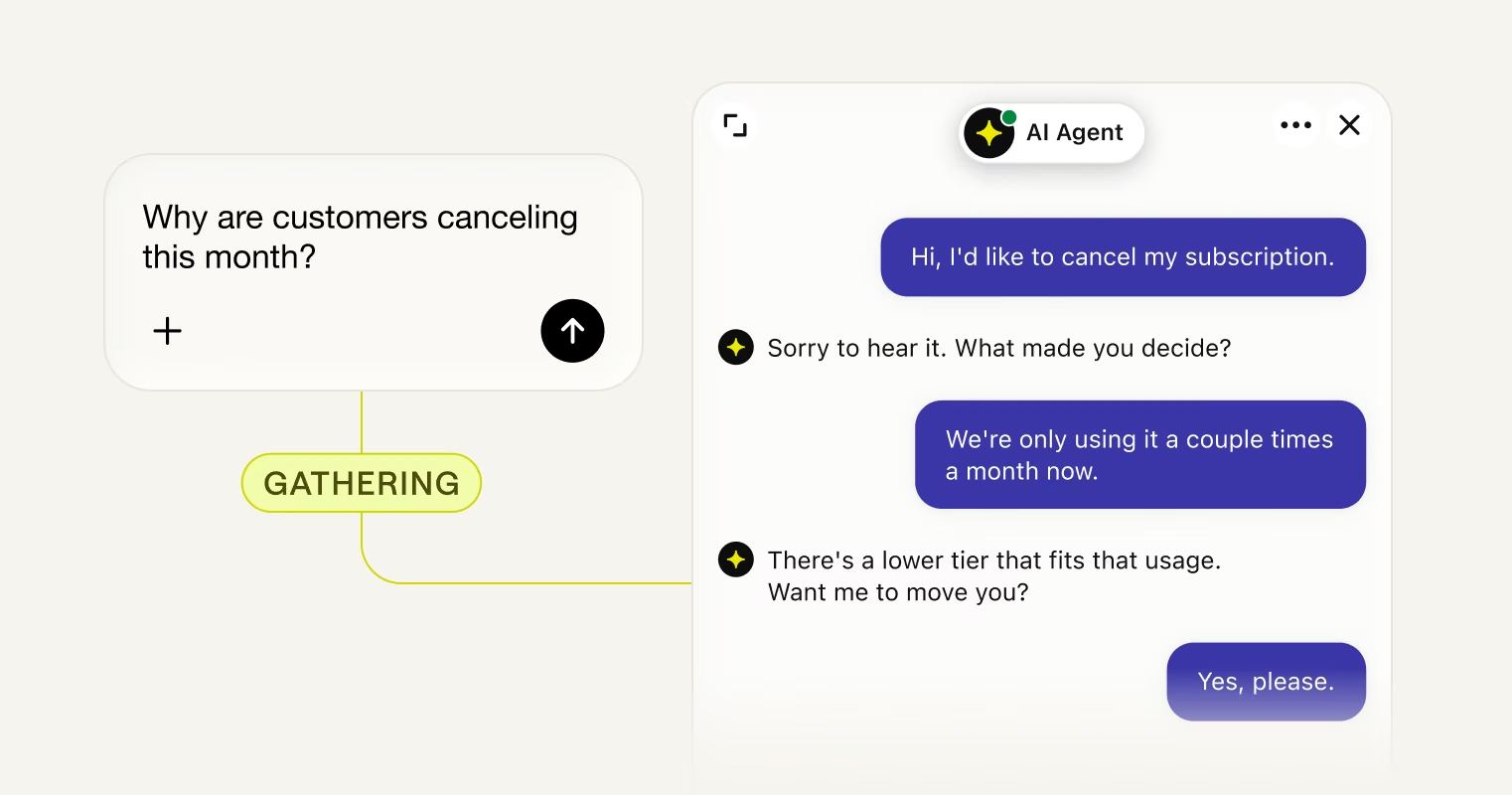
Catch churn while you can still fix it
The real reason people leave, in their words, while the account is still open.
No hidden fees.
Start free for 14 days.
More from Text.
All built to close.
AI Agent
AI AgentLive chat
Live chatHelp desk
Help deskInbox
InboxCopilot
CopilotTicketing system
Ticketing systemChat widget
Chat widgetCustomer list
Customer listKnowledge base
Knowledge baseService desk
Service deskCustomer analytics
Customer analyticsCustomer service management
Customer service management
AI Agent
AI Agent
Live chat
Live chat
Help desk
Help desk
Inbox
Inbox
Copilot
Copilot
Ticketing system
Ticketing system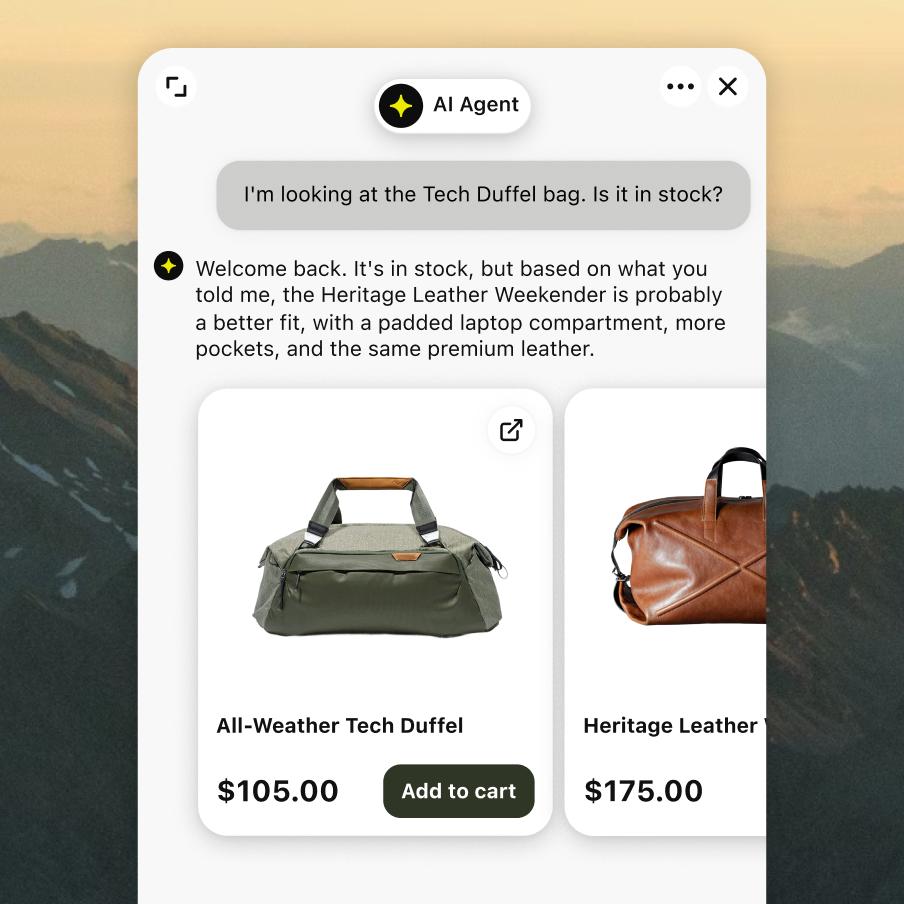
Chat widget
Chat widget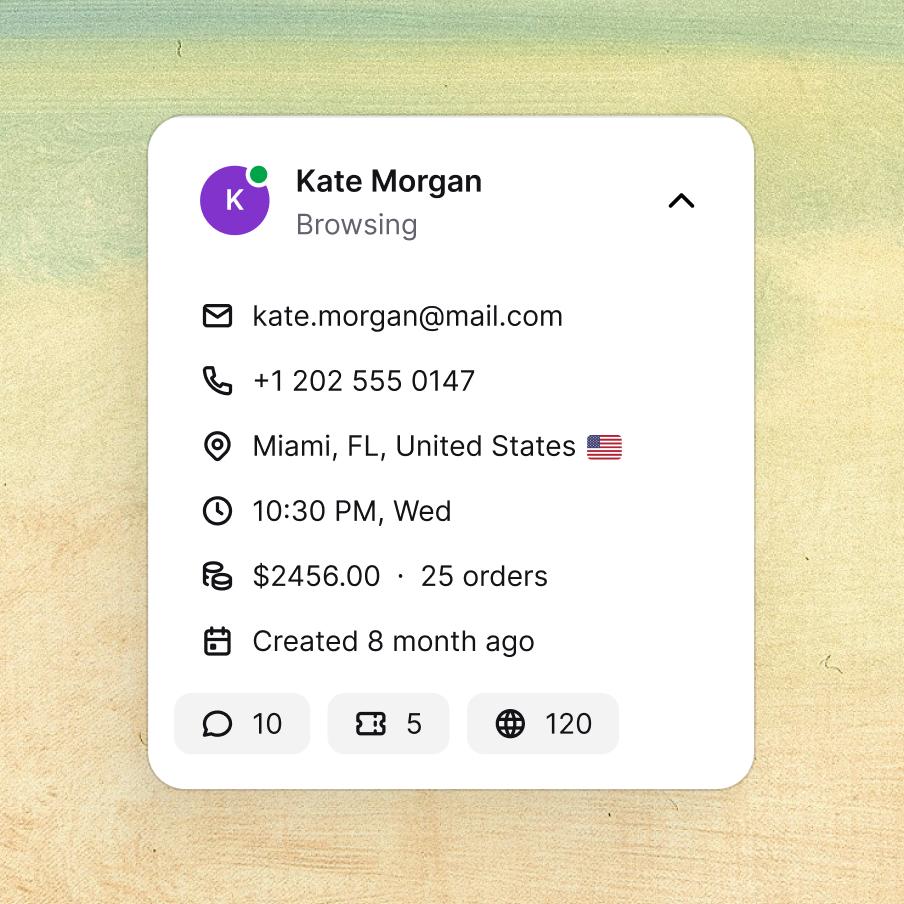
Customer list
Customer list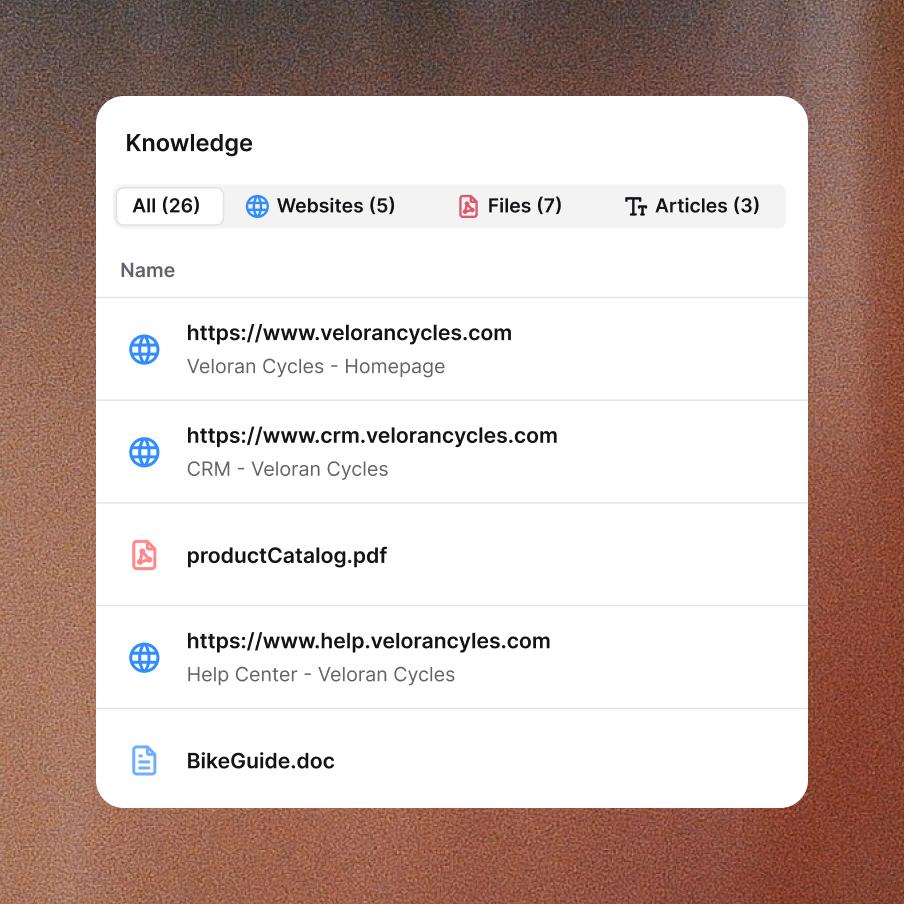
Knowledge base
Knowledge base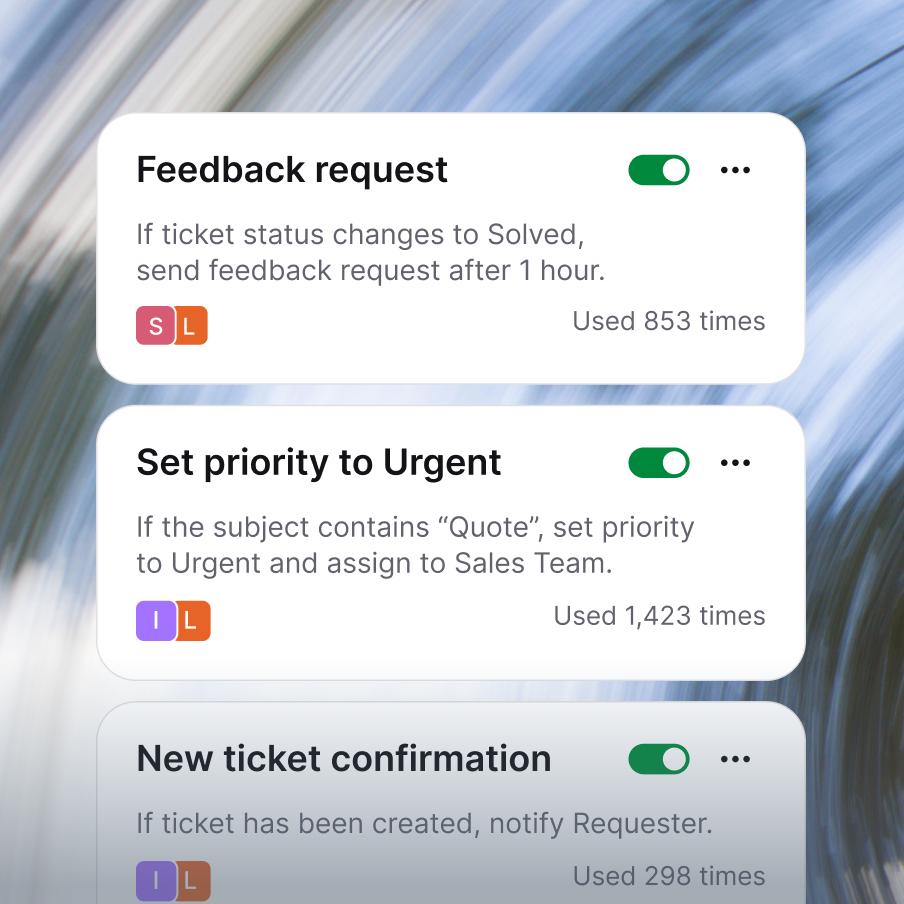
Service desk
Service desk
Customer analytics
Customer analytics
Customer service management
Customer service management
Enterprise-grade security & compliance



Next sale is buried in a chat, and your AI can read it now.
Frequently asked questions
What is Text's MCP server?
Text's MCP server is a secure connection that lets AI assistants like Claude and ChatGPT work directly with your Text data: tickets, chat transcripts, tags, and metadata. It uses the Model Context Protocol (MCP), an open standard introduced by Anthropic for connecting AI assistants to external tools and data. With Text's MCP server, your team can ask Claude or ChatGPT questions in natural language and get answers grounded in your actual support history. No copy-pasting transcripts, no exporting data, no custom integration work.
How do I use Claude MCP with Text?
Claude MCP integration with Text takes a few minutes to set up. In Claude (Desktop, Code, or Web), add a new integration pointing at
https://mcp.text.com/, authenticate via OAuth, and Claude immediately gets scoped access to your tickets, chat archives, and transcripts. From there, you can ask things like "Find tickets from this week that mention billing issues" or "Summarize the top complaints in chats tagged 'churn risk'". Claude will use the appropriate Text tool under the hood (find-tickets,get-chat-transcript, and others) to answer with real data from your account.Does Text work with ChatGPT MCP?
Yes. The ChatGPT MCP integration with Text uses the same endpoint (
https://mcp.text.com/) and the same OAuth setup as Claude. Once connected, ChatGPT can search across your tickets and chats and pull back relevant context. Particularly useful for ChatGPT's Deep Research mode, which uses Text'ssearchandfetchtools to pull data into longer analytical responses. Setup follows OpenAI's standard MCP integration flow and works against the same permissions model as the rest of Text.How does Text turn Claude or ChatGPT into an AI support agent?
An AI support agent doesn't have to mean a chatbot talking to customers. For most support teams, the bigger win is giving your internal team an AI copilot that knows your support history. By connecting Claude or ChatGPT to Text via MCP, your AI support agent can search across thousands of past conversations, pull transcripts on demand, summarize patterns, draft replies grounded in real cases, and answer questions like "how did we resolve this last time?" in seconds. It's the difference between an AI that guesses based on training data and an AI that actually knows what your team did yesterday.
Can I use Text's MCP server to build an AI customer support agent?
The MCP integration is primarily designed to give your internal team an AI customer support agent: a copilot that helps human agents resolve tickets faster by accessing your support history through Claude or ChatGPT. For customer-facing AI that talks directly to your customers and resolves tickets end-to-end without a human in the loop, that's a different product. Text's AI Agent integrates natively with your help desk and handles whole ticket categories autonomously. Many teams use both: AI Agent for direct customer deflection, and the MCP server to give the human team an AI copilot.
What MCP tools are available in Text?
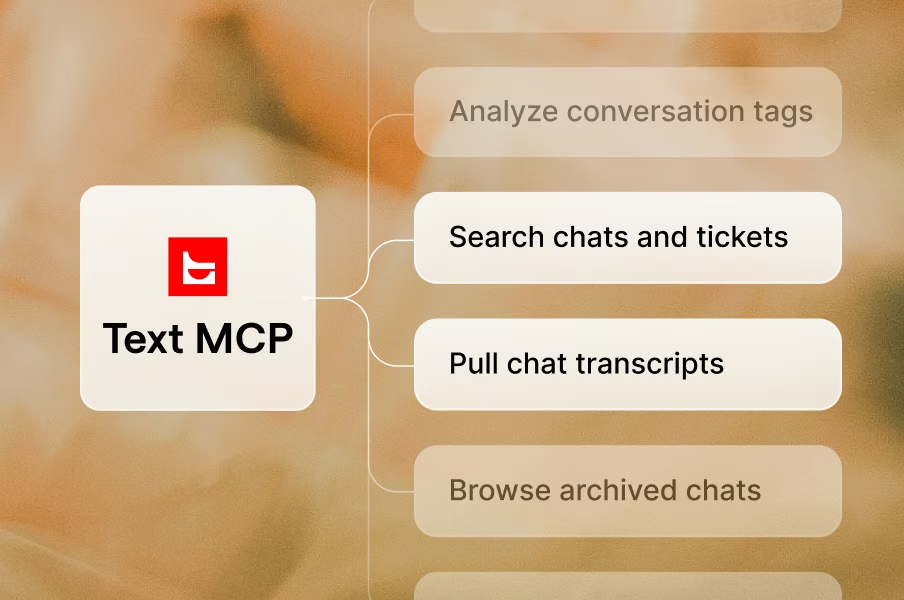
Text's MCP server exposes a curated set of tools that AI assistants can call to access your data:
- Ticket operations:
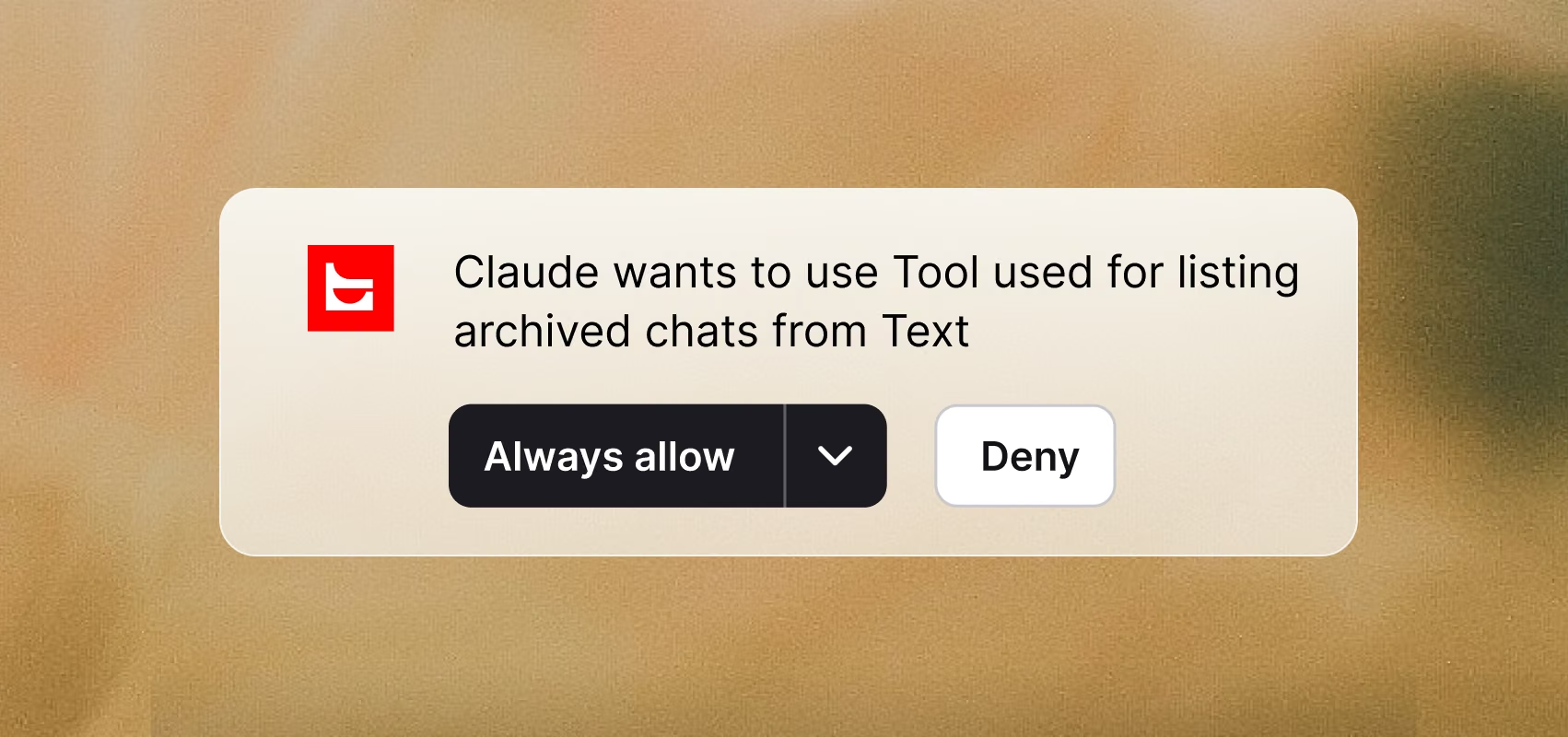
find-tickets(by ID, agent, or tag),list-tickets(with filtering and pagination),list-ticket-tags - Chat operations:
list-archived-chats,get-chat-transcript,list-chat-tags - Deep Research (ChatGPT only):
searchandfetchfor pulling relevant data into longer analytical responses
You don't need to remember the tool names. When you ask the AI assistant something in natural language, it picks the right tool automatically.
- Ticket operations:
Is Text's MCP integration secure?
Yes. Security is the core design constraint. Three things to know:
- Permission-aware access: every MCP request respects the authenticated user's permissions in Text. The AI assistant can only see what the connected user can see.
- Strict data isolation: users can only view data they're explicitly authorized to access. No cross-account leakage.
- OAuth-based authentication (recommended): browser-based, secure, no copying tokens between systems. Bearer tokens are also supported for advanced setups.
The MCP server doesn't give AI assistants special powers. It gives them scoped access through the same permission system the rest of Text uses.
How do I set up Text's MCP server?
The setup takes about five minutes:
- Open your AI assistant's integrations panel (for example, Claude Web → Settings → Integrations → Add integration).
- Add a new MCP integration with the endpoint
https://mcp.text.com/(Claude Web useshttps://mcp.text.com/mcp). - Authenticate via OAuth. A browser window will open to log into Text.
- Test the connection by asking a simple question like "List my recent tickets."
Text's MCP server works with Claude Desktop, Claude Code, Claude Web, and ChatGPT today. Cursor, Windsurf, and VS Code support is coming soon.
How is MCP different from Text's built-in AI features?
Three different things, often confused:
- MCP server connects your AI assistant (Claude, ChatGPT) to Text data, so the AI has read access to tickets and chats. Best for: internal team copilots, ad-hoc analysis, research.
- AI Agent is Text's customer-facing AI that resolves entire ticket categories end-to-end without a human. Best for: deflecting common requests directly.
- Workflows is rules-based automation that runs deterministically on triggers and actions. Best for: predictable routing, escalation, follow-ups.
Most teams use all three: Workflows for the predictable stuff, AI Agent for direct customer deflection, MCP server for the team's own AI copilot.
What can support teams actually do with Text MCP?
Real examples teams are running today:
- Pattern detection: "Analyze last month's chats and surface the top 5 recurring pain points."
- Ticket research: "How did we handle this issue the last few times? Pull the relevant transcripts."
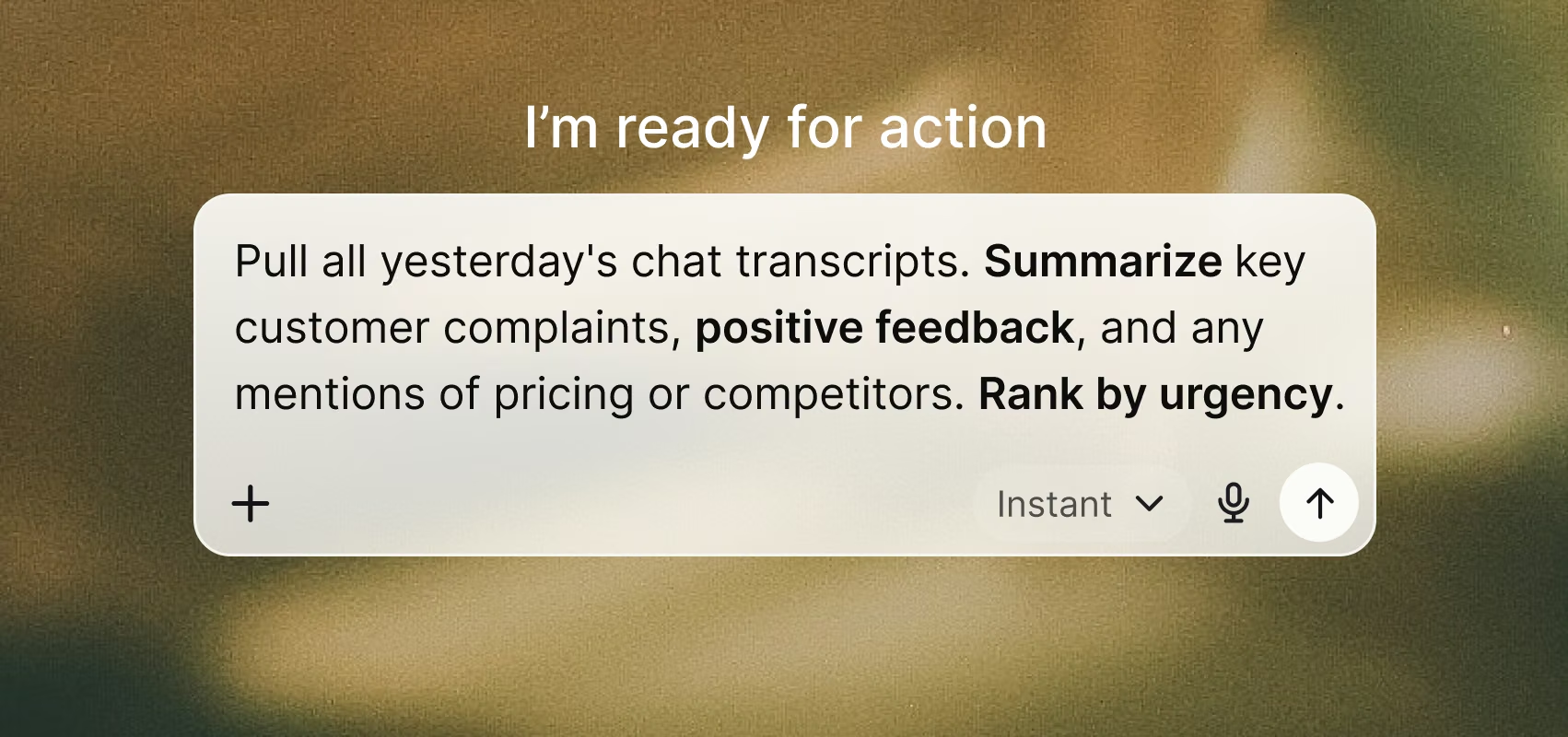
- Daily standups: "Show me high-priority tickets from yesterday that aren't yet resolved."
- Quality assurance: "Pull 10 random chats tagged 'refund' and assess agent tone."
- Customer-specific lookup: "Get the full conversation history for customer@example.com."
Each of these would be a multi-step task without MCP: exporting data, opening transcripts, copying into a prompt. With Text's MCP server, it's a single natural-language question.