Key license notifications
Key license notifications tell you when a trial or subscription is about to expire, a payment fails, or an invite goes unanswered. See what to do next.
 Sylwia KocurUpdated 2 min read
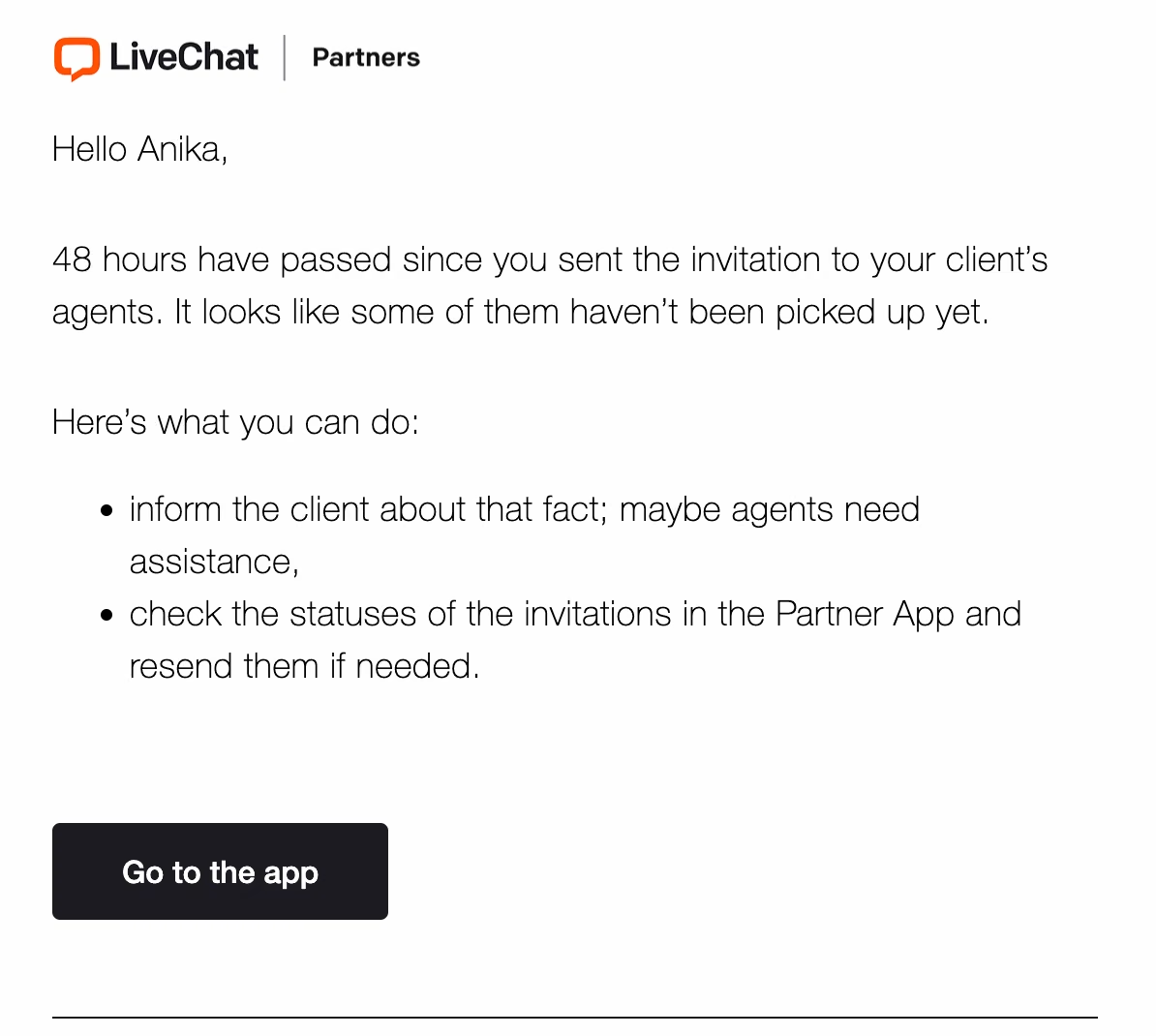
Key license notifications tell you when a customer license needs your attention: a trial or subscription is about to expire, a payment fails, or an invitation goes unanswered. As a solution partner in the Text Solution program [rel="noopener noreferrer"], you get them by email and in the Notifications section of the Partner app.
What are key license notifications?
Key license notifications are insights about the most important events regarding your activity in our Partner Program. You will find them in your email inbox and in the Notifications section of the Partner app. They keep you up to date without digging into reports, so you know what happened and what action to take.
Four events trigger a key license notification:
Trial expiration – a license trial is about to end.
Subscription expiration – a subscription is about to expire.
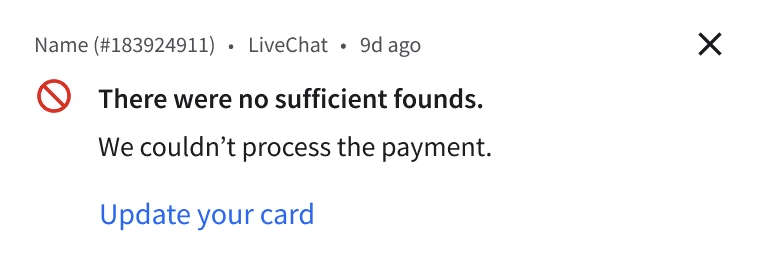
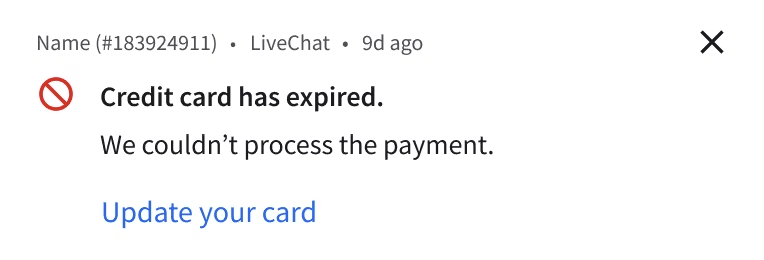
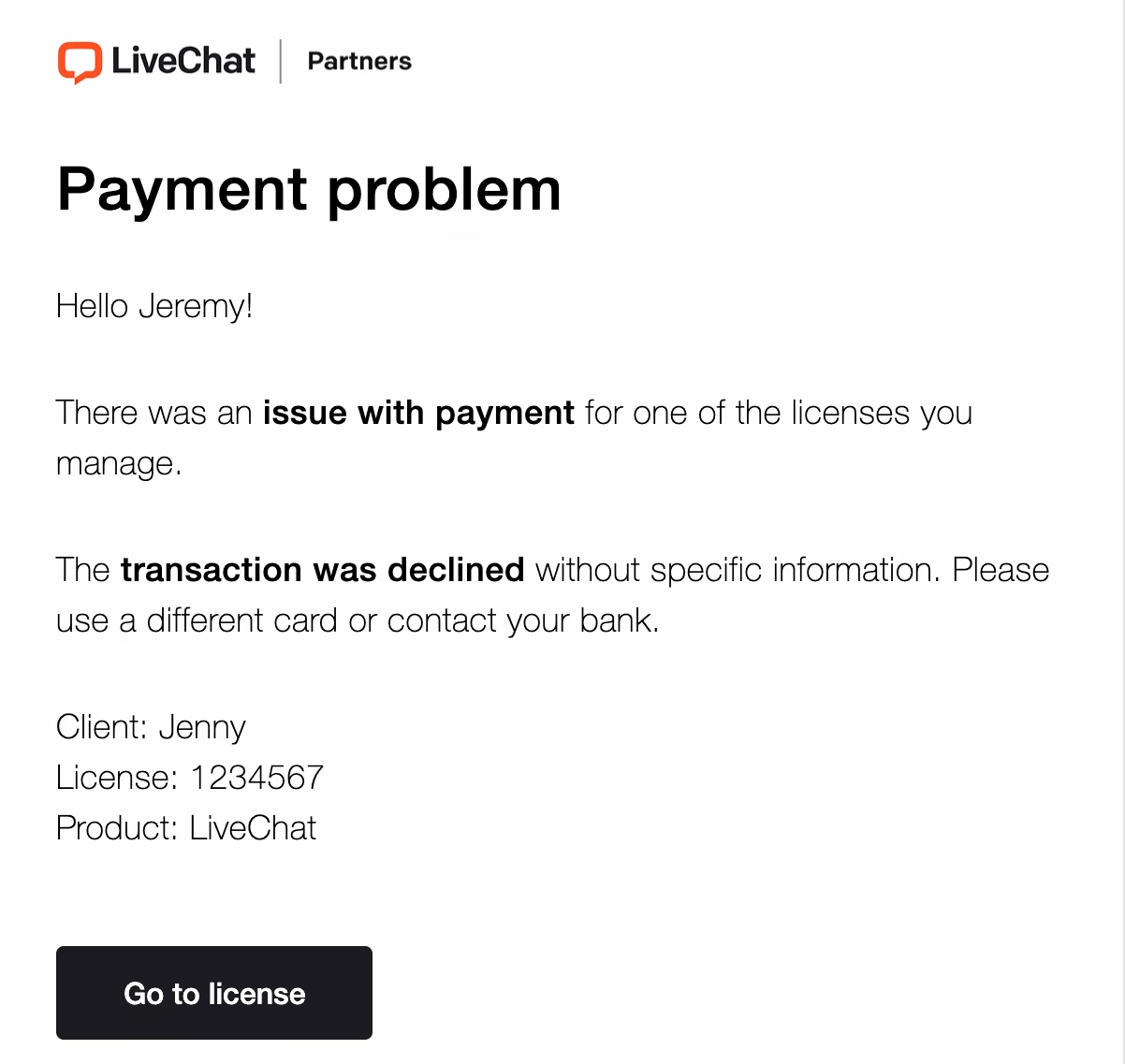
Payment issues – the system can't process the payment for a license.
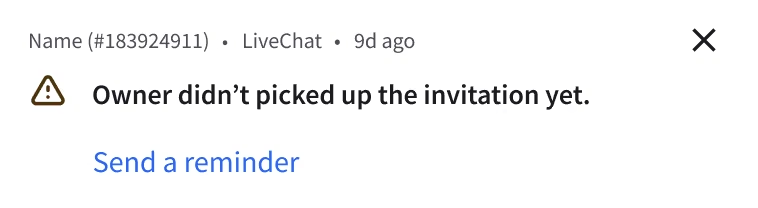
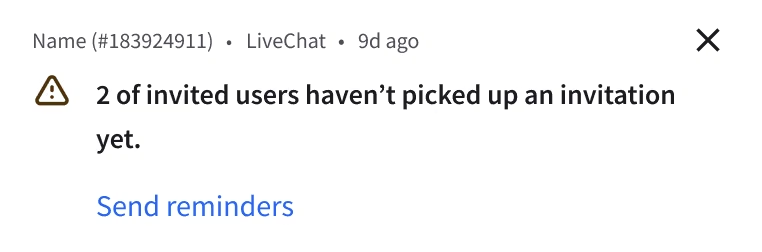
Unaccepted invitation – a user hasn't accepted an invitation to the license.
Which events trigger a key license notification?
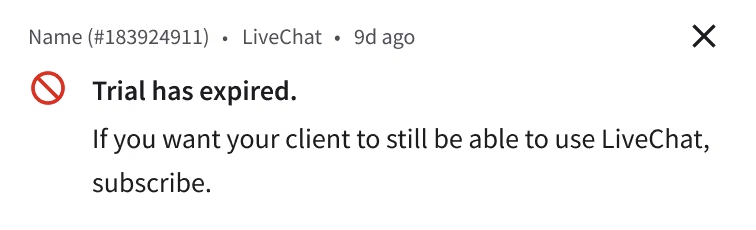
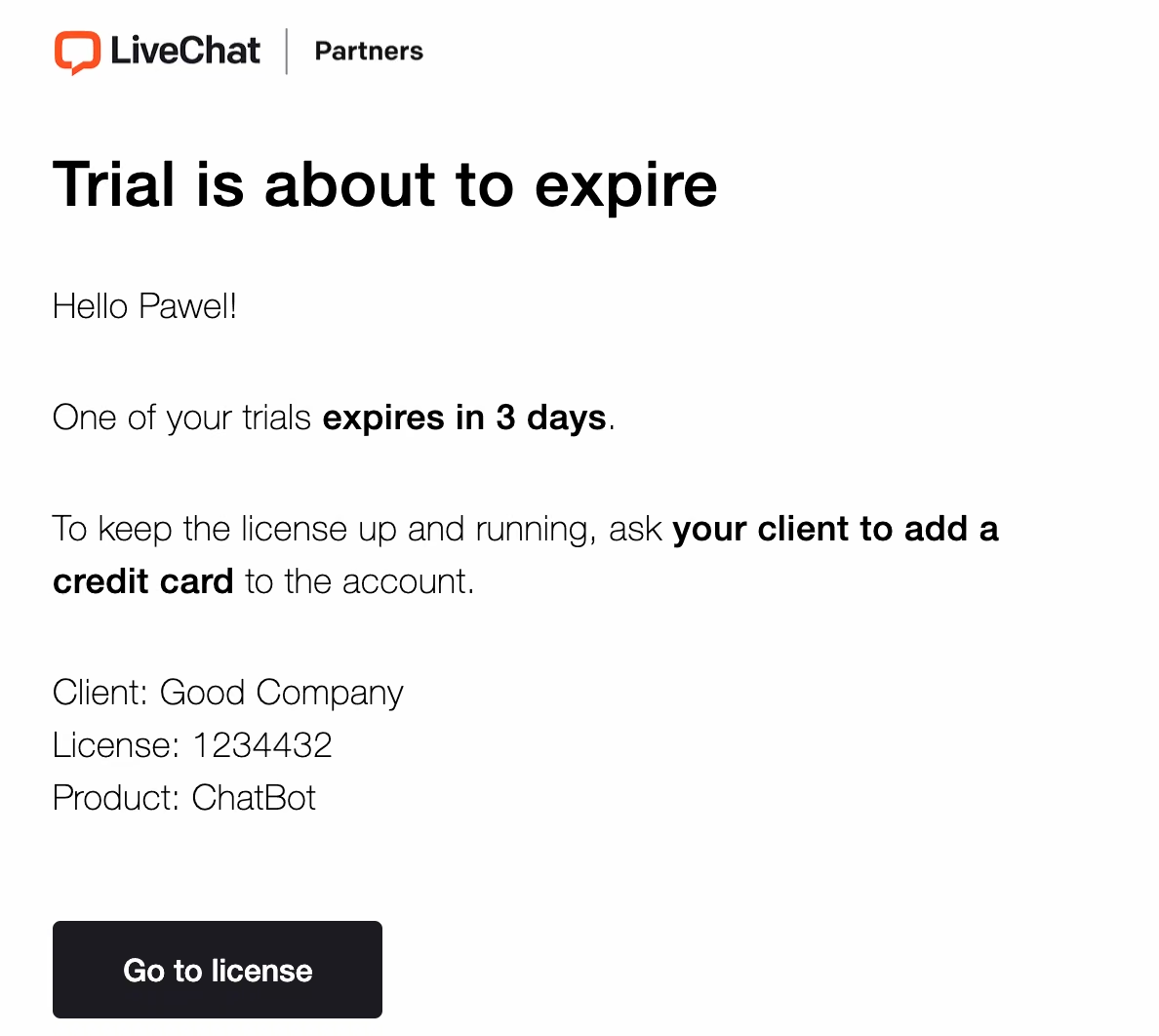
What happens when a trial is about to expire?
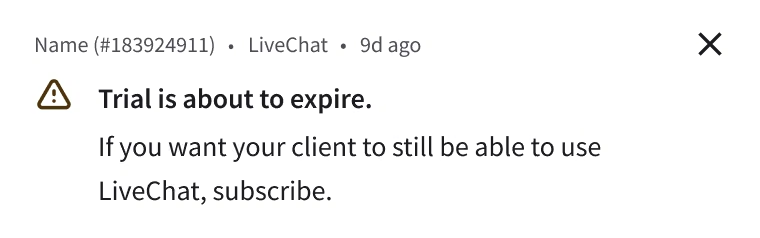
Soon before the trial expiration, we notify you of how many more days the license remains active.
It's an excellent moment to either request a trial extension or set up a subscription for your customer. If you need an extension of the trial period, just contact us directly via email or start a chat with our Support Team.
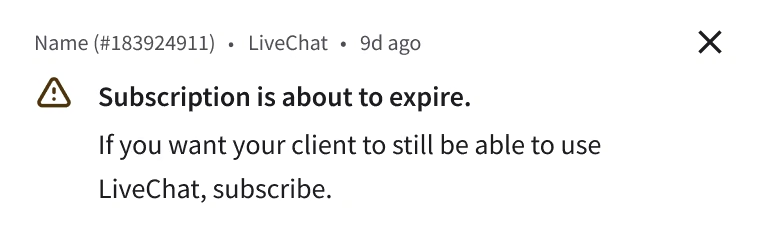
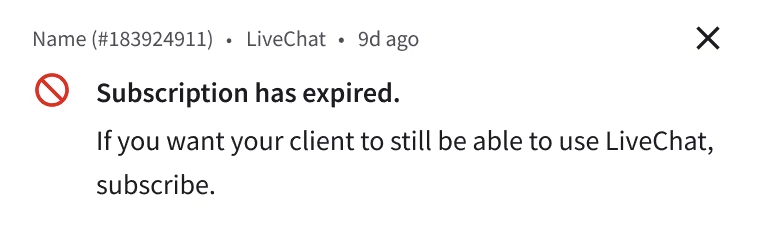
What happens when a subscription is about to expire?
Once a subscription is about to expire, you get a notification so you can take action.
What should you do when a payment fails?
Whenever our system can't process the payment for a license, we notify you. In most cases, go to the subscription screen and update the billing details. Once everything is correct, our system tries to process the payment again within a few days.
What if a user hasn't accepted their invitation?
You get a notification when a user doesn't accept your invitation to the license. The same applies when you invite additional people to the license and they don't accept.
Read more about: Adding new users to the license.