
How to create a license for your client
Learn how to create a license for your client in the Partner app: add the organization, pick a product, choose who pays, and invite users. Start now.
 Sylwia KocurUpdated 3 min read
To create a license for your client, open the Solution section in the Partner app, add the organization, pick a product, and choose who manages the subscription. The whole process takes only a few minutes, and you can invite your client's team right away or later.
Before you begin
You need to be an accepted Solution partner to create licenses for clients.
Should you or your client manage the subscription?
You make this choice during setup, so decide before you start.
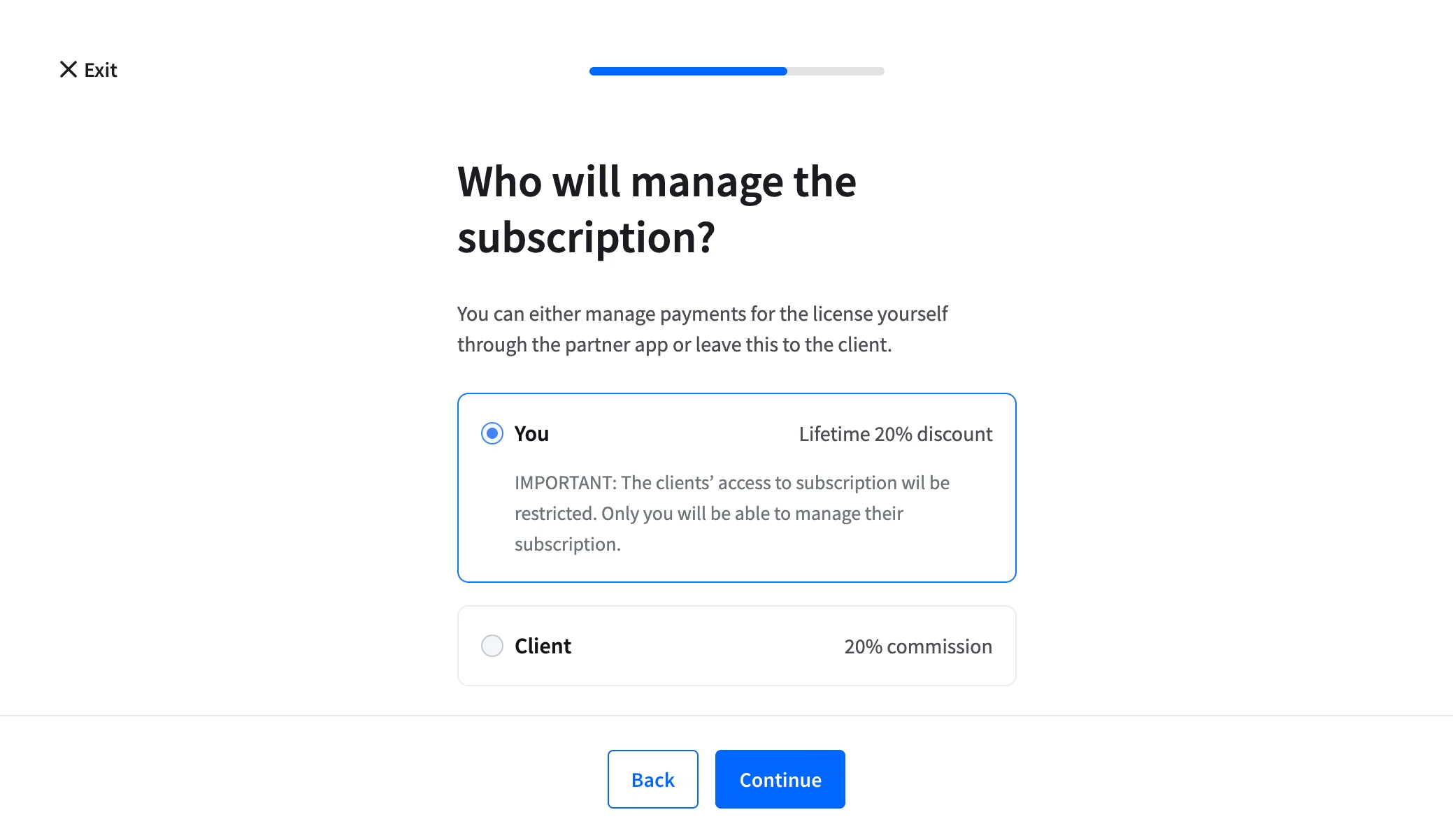
You manage it. You create the license with a 20% discount, and you pay your client's invoices. You get a lifetime discount on the product, and Text hides the subscription details from your client so you can customize your offer.
Your client manages it. You refer our products, and your client handles their own payments. They see the subscription details, and the subscription is disabled for you. You still earn a 20% commission whenever they subscribe to a full version.
How do you create a license for a new client?
Log in to the Partner app [rel="nofollow noopener noreferrer"].
Go to the Solution section dashboard and click Add client.
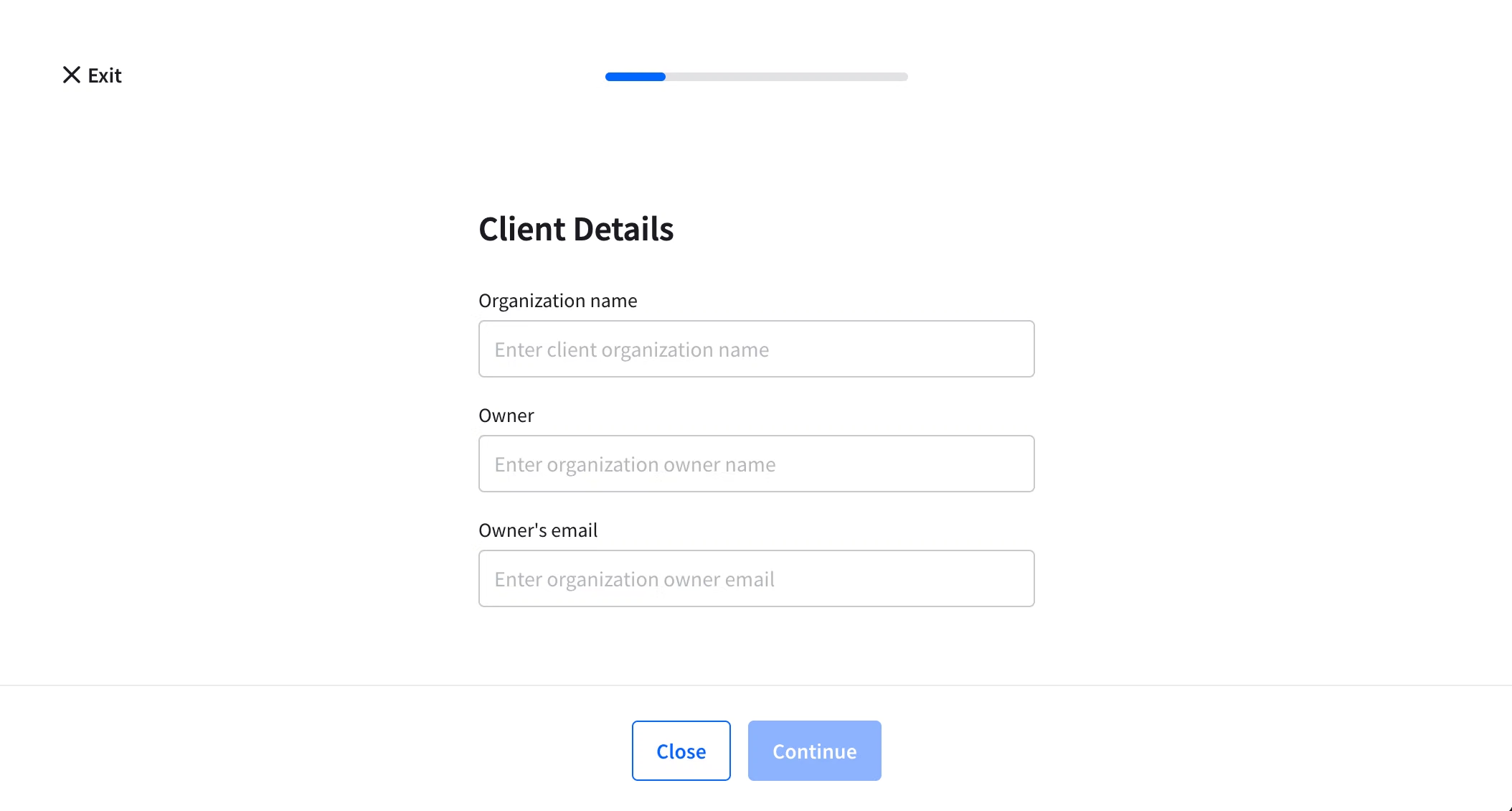
Enter your client's organization details. Fill in the organization information for the client you are adding.
Select a product. For LiveChat, you can also choose the data storage location: Europe or the United States.

Choose who manages the subscription. Select You to manage and pay for the subscription yourself, or Your client to let them pay on their own.
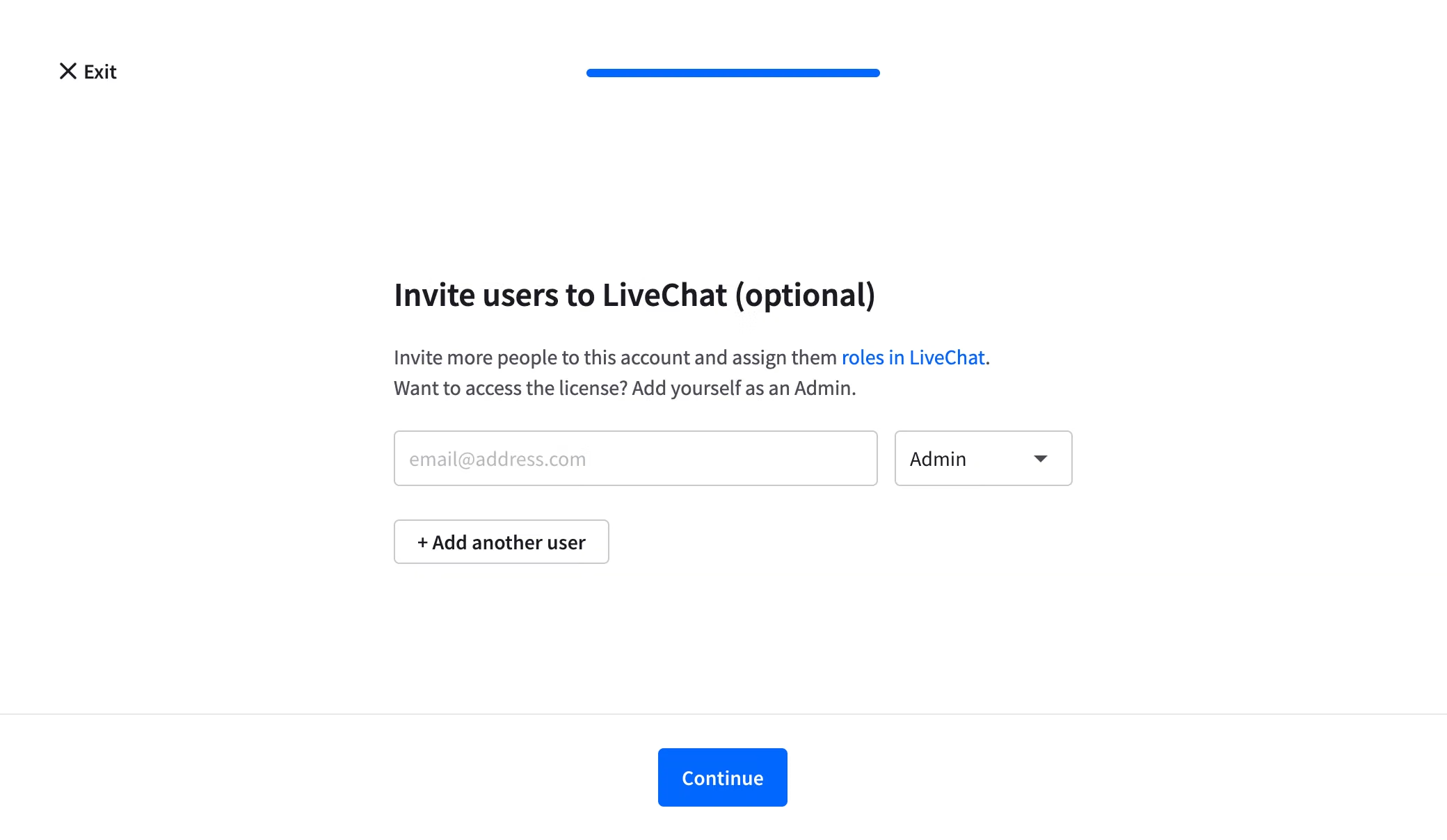
Invite users (optional). Invite your client's co-workers now, or add more users later. For details, see Adding new users to the license. If the license invitation isn't accepted within 48 hours, you'll receive an email notification to take action.
How do you add a license for an existing client?
Log in to the Partner app.
Go to the Solution section and click Clients in the left-hand navigation.
Select the organization.
Open the Licenses tab and click Add license.
Select a product, choose who manages the subscription, and invite users if you want to. These steps are the same as for a new client. You only skip entering the organization details.