
Microsoft Outlook email forwarding
Forward emails from Microsoft Outlook to Text App in minutes and unite your inboxes into one shared team space.
 Wiktoria SmołaUpdated 1 min read
Follow these steps to learn how to set up forwarding from Outlook to Text App:
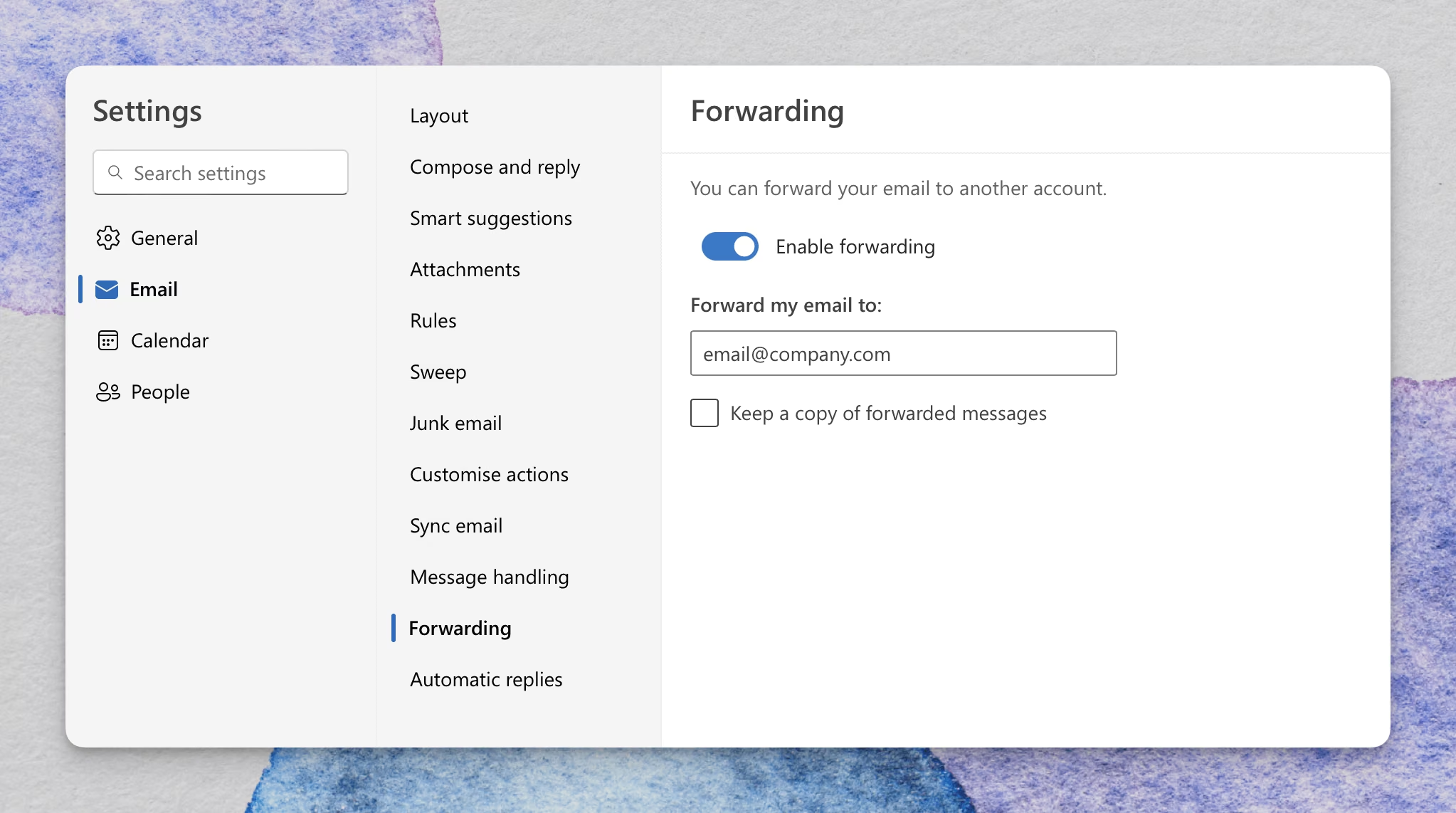
Access Microsoft Outlook’s forwarding settings and select Enable forwarding.
Enter Text App’s forwarding address.
Here you can find your Text App forwarding address
3. Select Close to save changes.
To learn more about the email forwarding process, visit the Microsoft Outlook help center.